Multiple AI Models
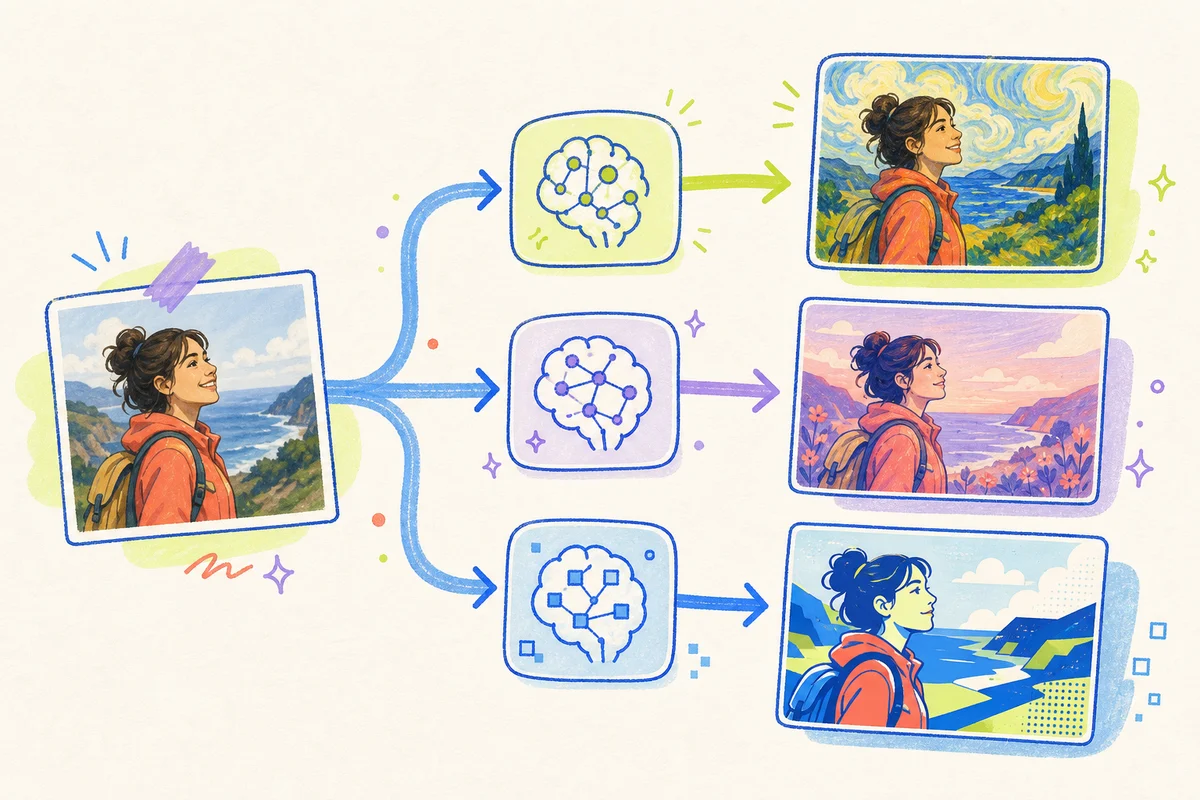
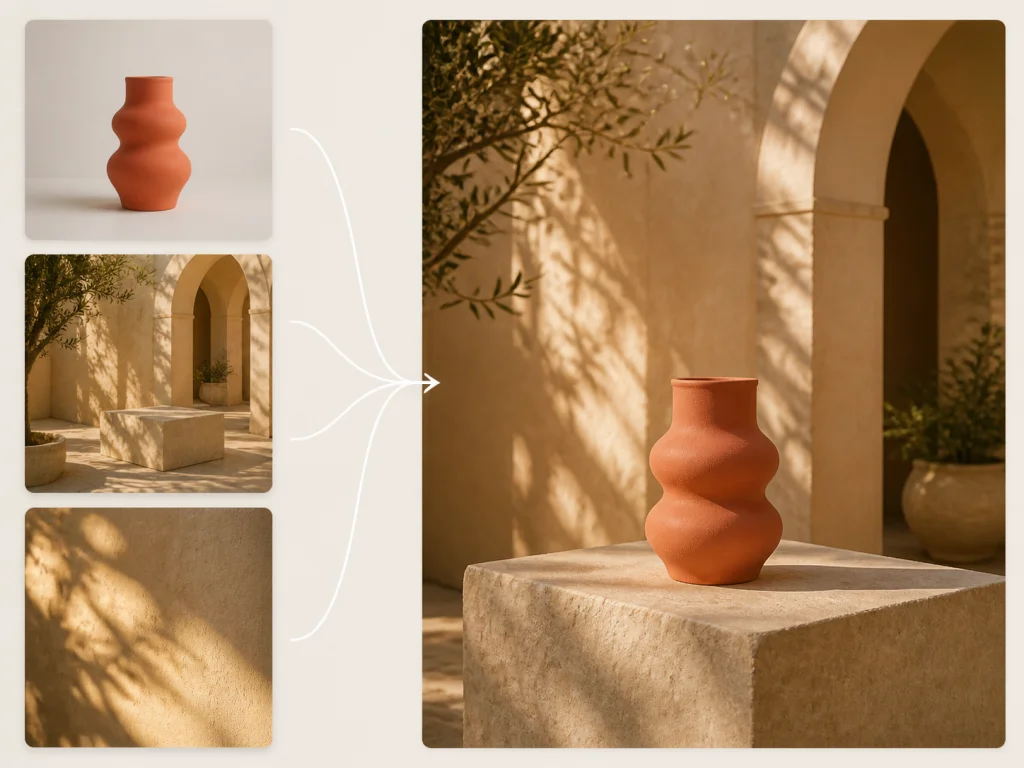
Our image to image generator lets you use the world's most advanced AI models on one platform. Try the same photo and prompt with different models. Compare the results and choose the one you like.
Use Image to Image AI
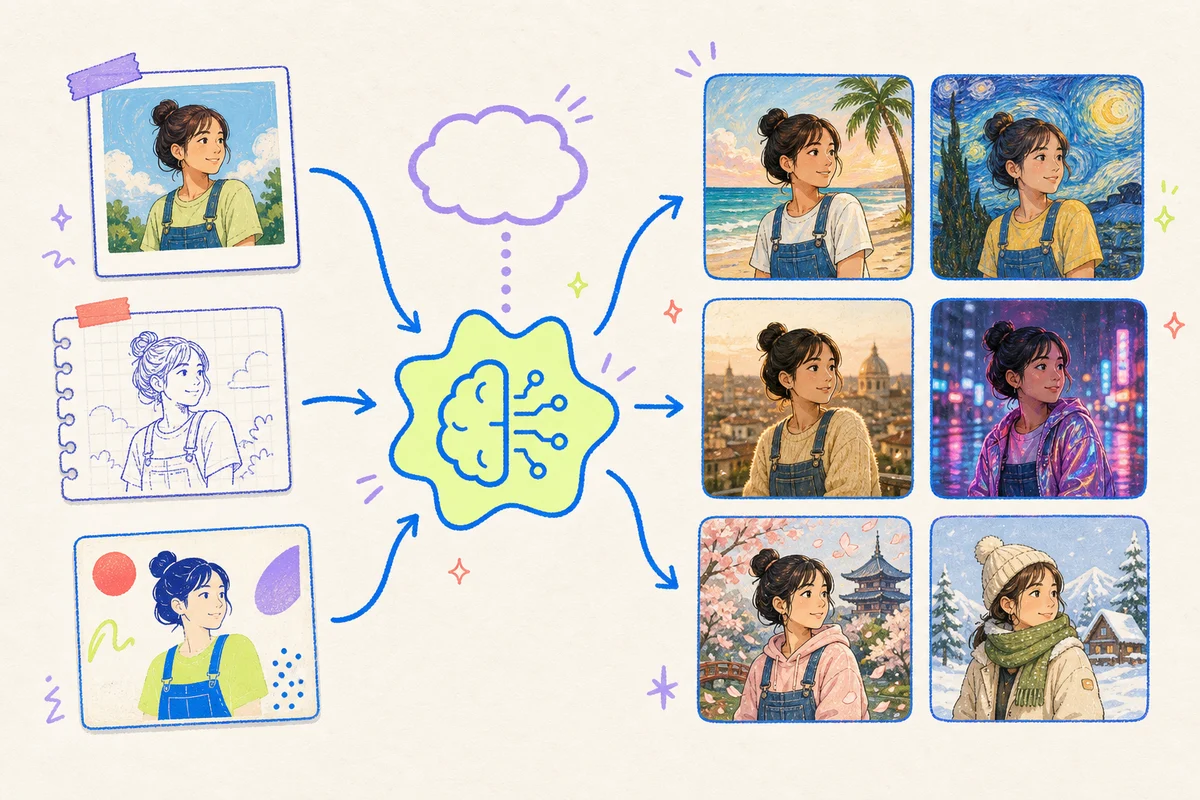
Turn any image into something new. Use Image to Image AI to change the style, background, or scene. One image. Endless possibilities.
Our image to image generator lets you use the world's most advanced AI models on one platform. Try the same photo and prompt with different models. Compare the results and choose the one you like.
Use Image to Image AI
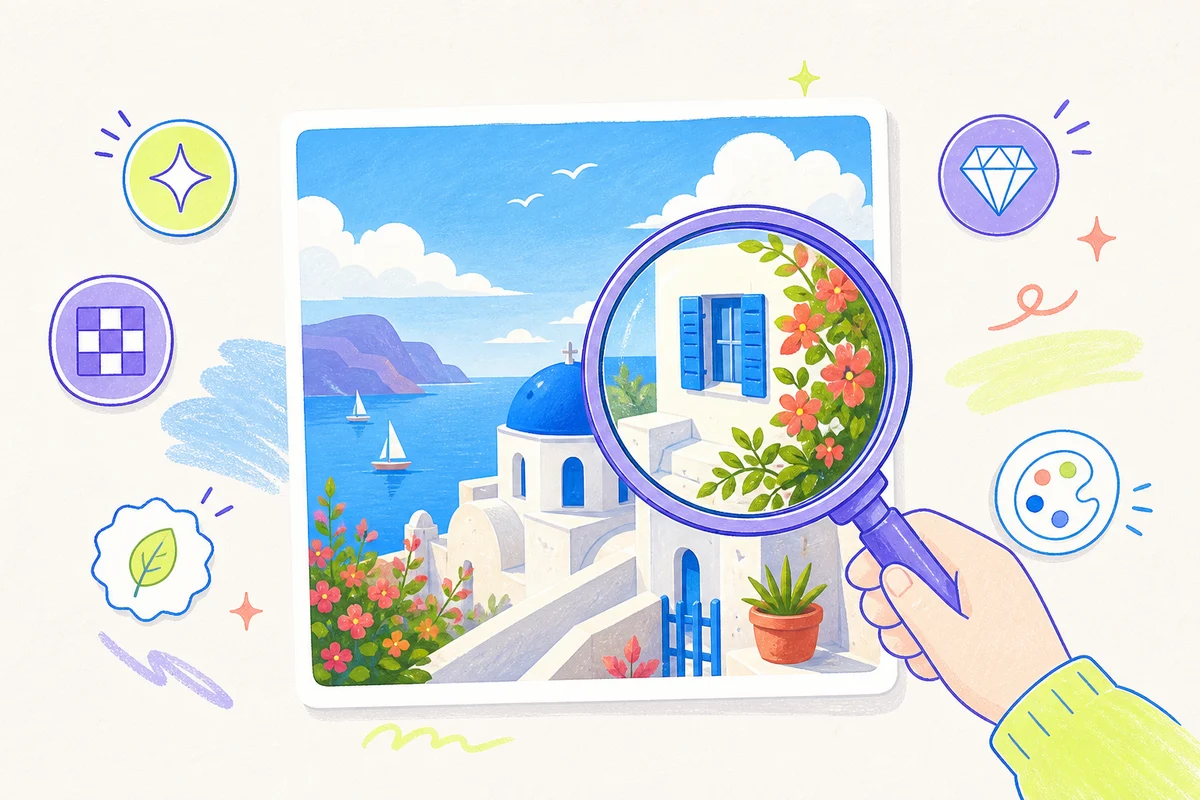
Get high-quality results with Image to Image AI. The finished image has clear details, natural colors, and clean edges. It follows your prompt and is ready for product pages, ads, social posts, and thumbnails.
Use Our AI Image to Image Generator
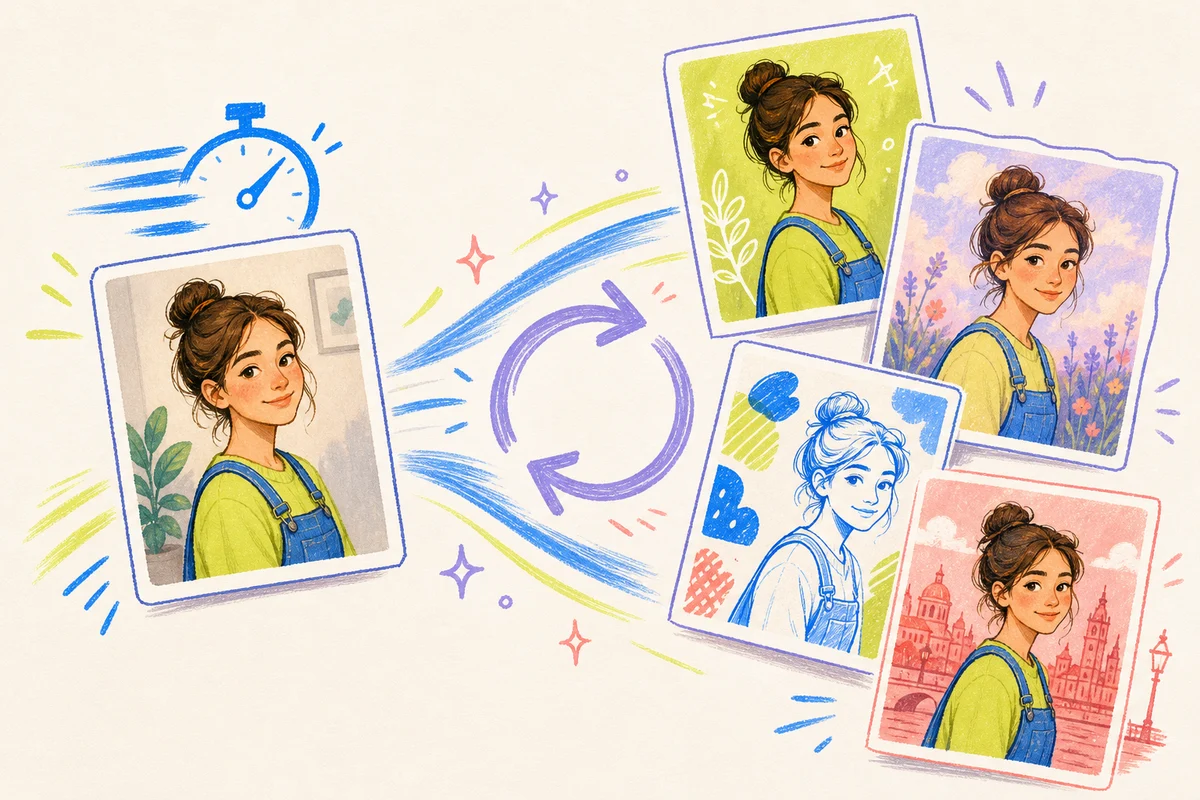
Get a new image fast with Image to Image AI. Change your prompt and generate another version. No complex steps are needed. Fast results help you test more styles, backgrounds, and colors in less time.
Try Image to Image AI
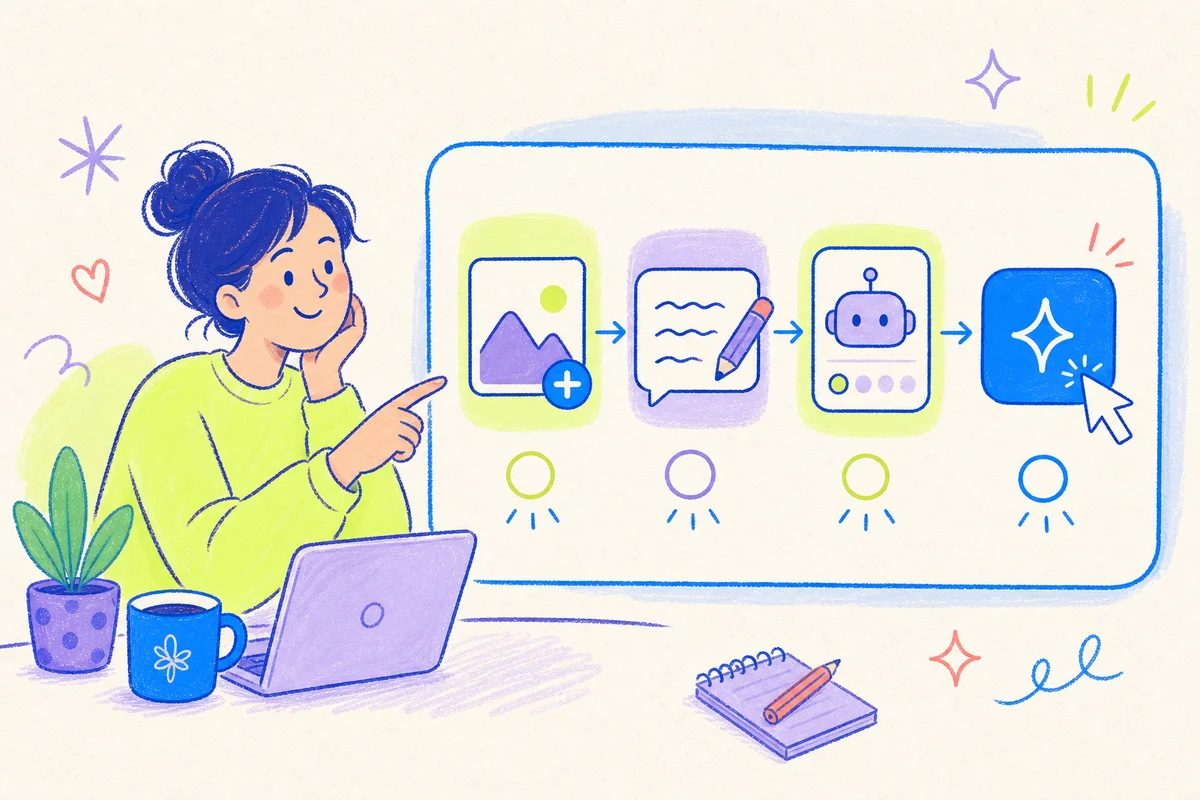
Image to Image AI is simple to use. Upload a photo, write a prompt, choose a model, and generate. All settings are in one place. You do not need Photoshop or design skills to create a new image.
Start Using Image to Image AI
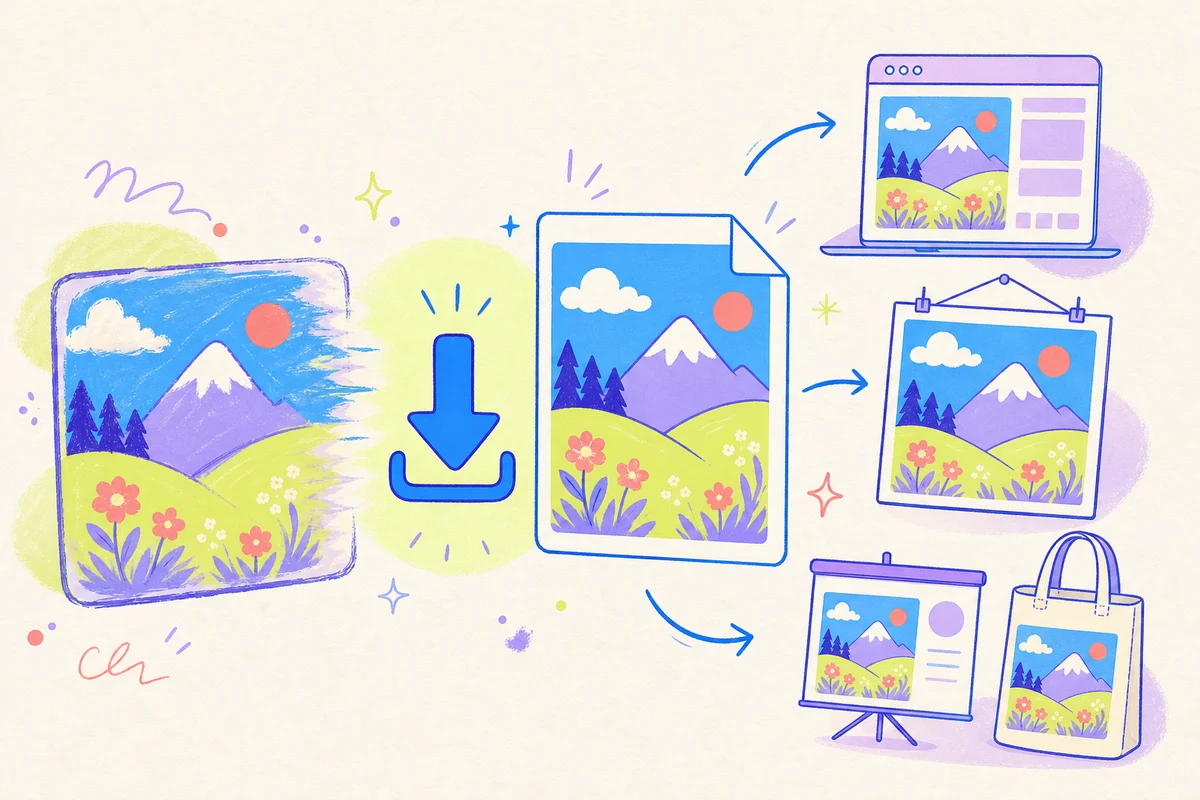
Download your Image to Image AI result in high resolution. High-quality files keep small details clear on product pages, ads, slides, and print designs.
Try Image to Image AI

Image to Image AI creates a new image from an image you already have. Upload a photo, sketch, or design. The source image gives the model a starting point. Your prompt tells the model what to change.
Text-to-image tools start with words only. Image to Image AI starts with a visual reference. This helps the model understand the subject, layout, and style. You can describe what should change and what should stay the same.
Use Image to Image AI to change the background, style, lighting, color, outfit, or scene. Make a small edit or create a very different version. The final result depends on the source image, prompt, and model.
Use Image to Image AI in four simple steps.
Choose the image you want to change. You can upload a product photo, portrait, room, pet photo, drawing, or sketch. A clear image gives the model more useful detail. Try to use a photo with good light and a clear main subject.
Say what you want to change. Use plain words. You can ask for a new background, art style, season, outfit, color, or type of light. You can also say what must stay the same. A focused prompt is easier for the model to follow.
Choose the AI model you want. Set the resolution, aspect ratio, and other available options. Image to Image AI transforms the image based on your settings.
Click Generate to transform the image with Image to Image AI. Review the result. Download the high-quality image and use it wherever you need it.

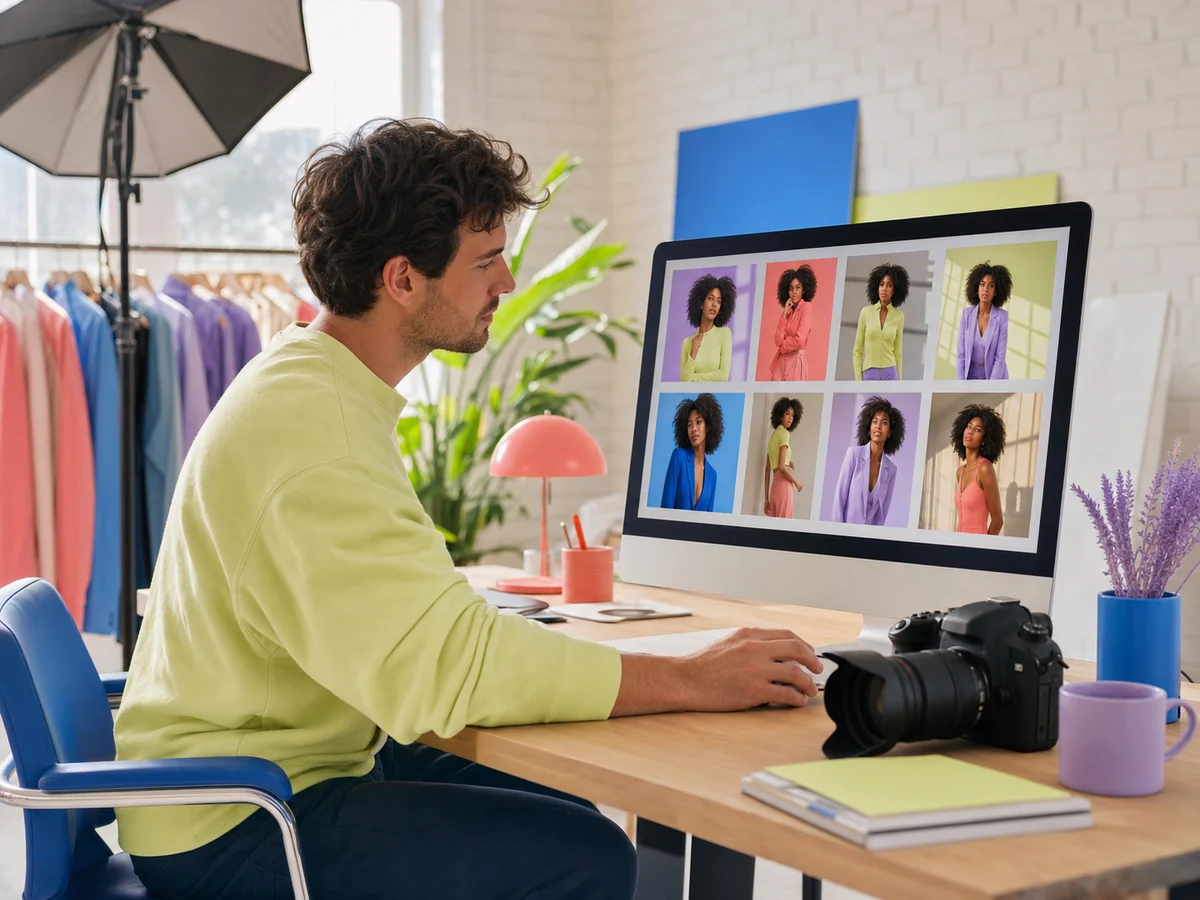
Photographers
Restyle portraits, change backgrounds, and test new lighting in minutes. Spend less time on repeat edits and deliver more creative options to every client.

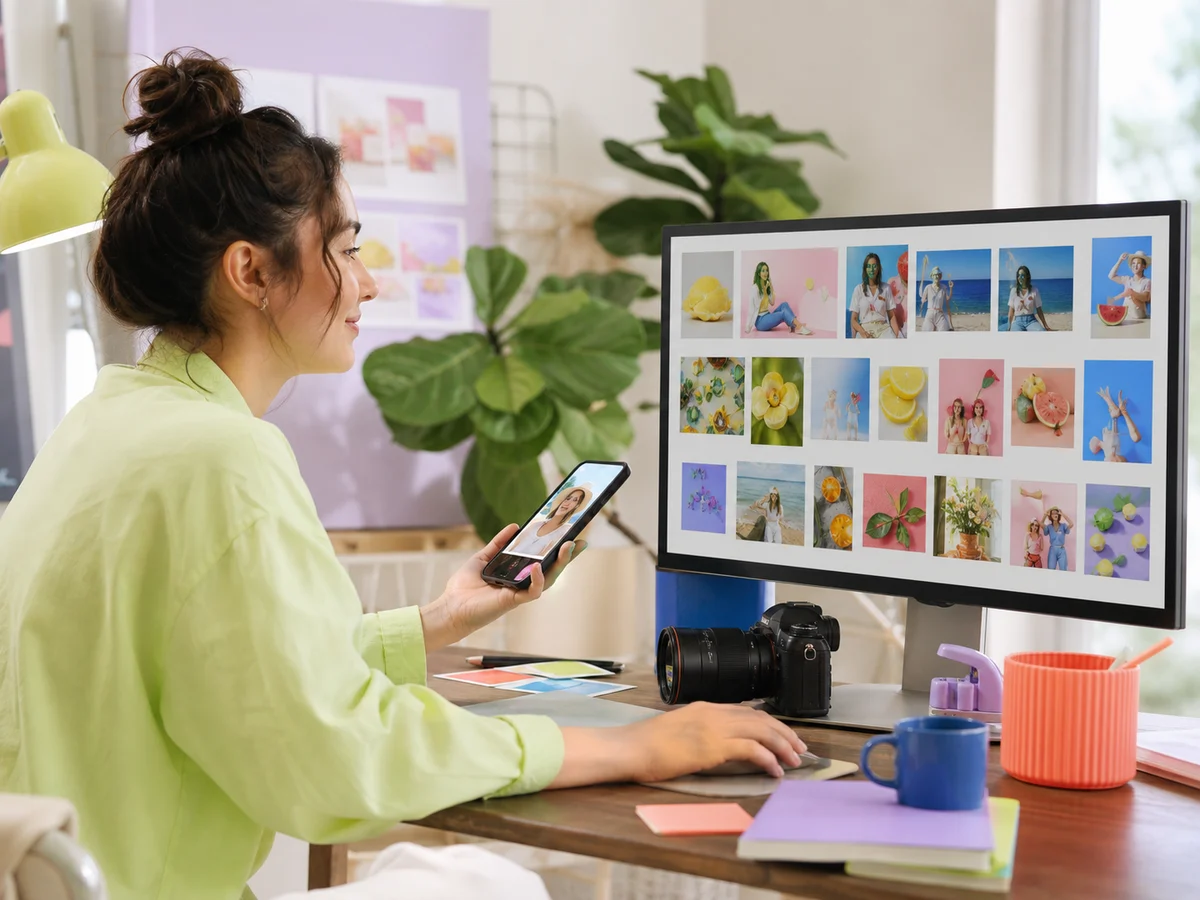
Content Creators
Turn one photo into a full week of content. Create new scenes, fresh styles, eye-catching thumbnails, and bold covers. Post more often without starting from scratch every time.

Marketing Teams
Turn one campaign image into more ads, landing page visuals, and social posts. Test new colors, backgrounds, and formats without waiting for another design round.

Online Sellers
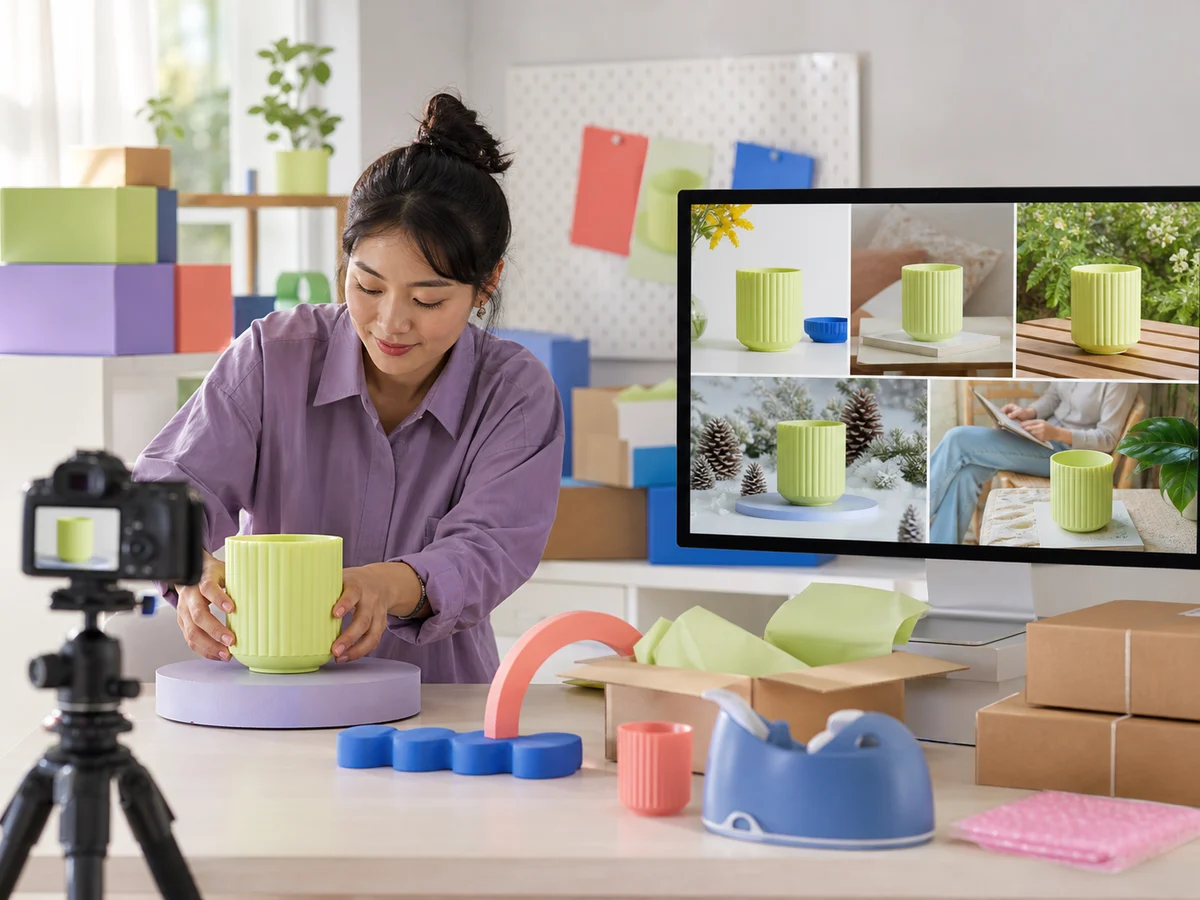
Place one product in studio, home, outdoor, seasonal, and lifestyle scenes. Fill product pages and ad campaigns with more visual options without booking another photo shoot.

Restyle portraits, change backgrounds, and test new lighting in minutes. Spend less time on repeat edits and deliver more creative options to every client.

Turn one photo into a full week of content. Create new scenes, fresh styles, eye-catching thumbnails, and bold covers. Post more often without starting from scratch every time.

Turn one campaign image into more ads, landing page visuals, and social posts. Test new colors, backgrounds, and formats without waiting for another design round.

Place one product in studio, home, outdoor, seasonal, and lifestyle scenes. Fill product pages and ad campaigns with more visual options without booking another photo shoot.
Get the perfect plan for you
($240 / year, billed yearly)
($100 / year, billed yearly)
($480 / year, billed yearly)
($100 / year, billed yearly)
($240 / year, billed yearly)
($480 / year, billed yearly)
Image to Image AI turns your image into a stunning new photo with AI. Upload your image, add a prompt, and generate. Change the background, style, lighting, color, or scene easily. No design skills needed.
Yes. We offer a free version of Image to Image AI. Sign up, then you can generate images right away. You need a subscription for more credits and more features.
Yes. You can upload multiple reference images for one generation. Use clear images and a specific prompt for better results.
Yes. Subscribed users can use generated images for commercial use. Free users are limited to non-commercial use.
You can upload JPG, PNG, and WebP images. Each file can be up to 30 MB. You can download results in high resolution.
No. Describe what you want in plain language. The AI will understand and follow your request. You do not need to write complex prompts.
Text to image creates a new image from words. Image to image is an AI image generator from image. It starts with a photo, sketch, or design you upload and changes it based on your prompt.
Yes. Our AI image to image generator works on mobile. You can transform images on iPhone, Android, and other phones — no app download needed.
Upload your image and transform it with a new style, background, or scene in seconds.